Tasks
Tasks that remember
where your time went.
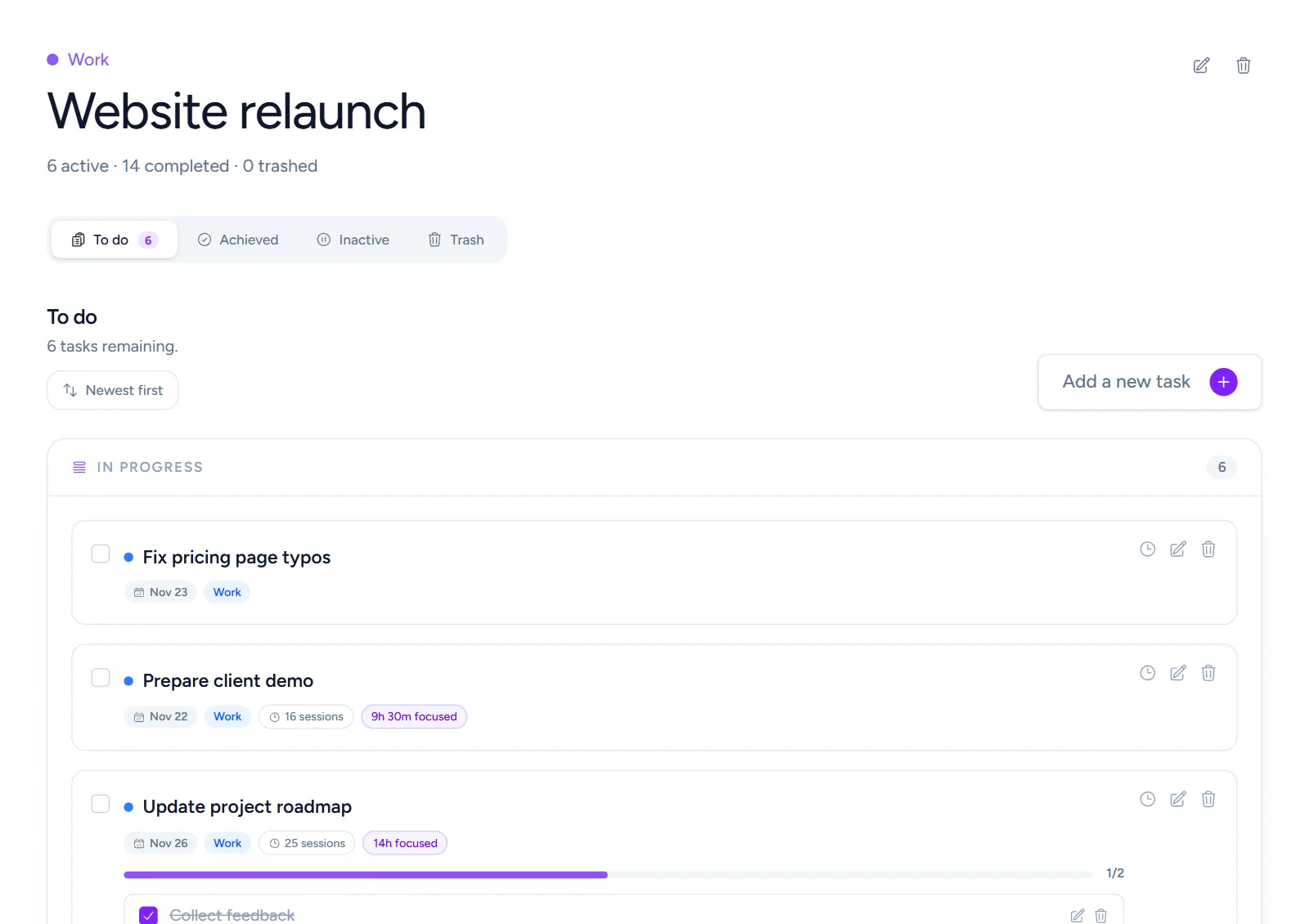
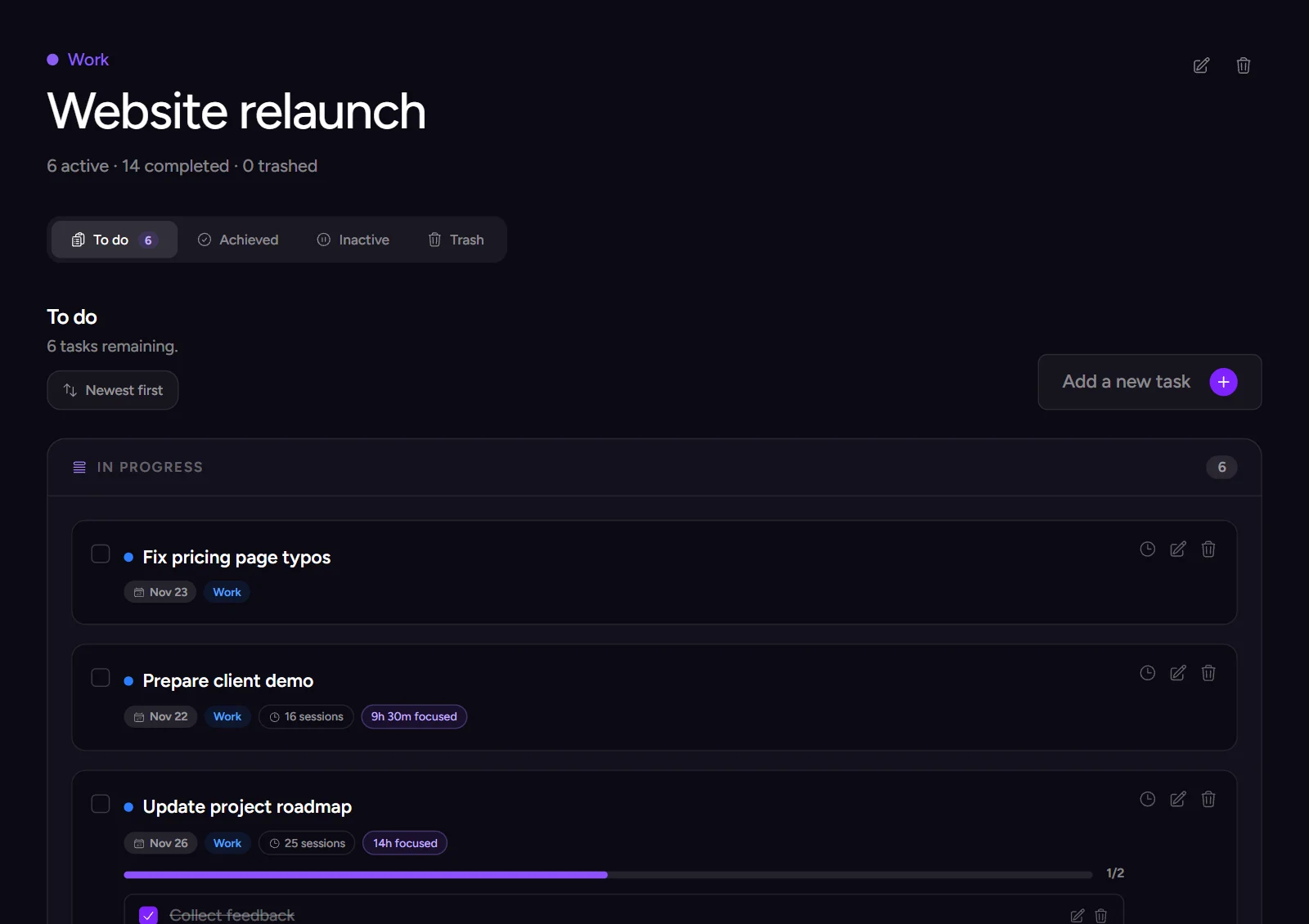
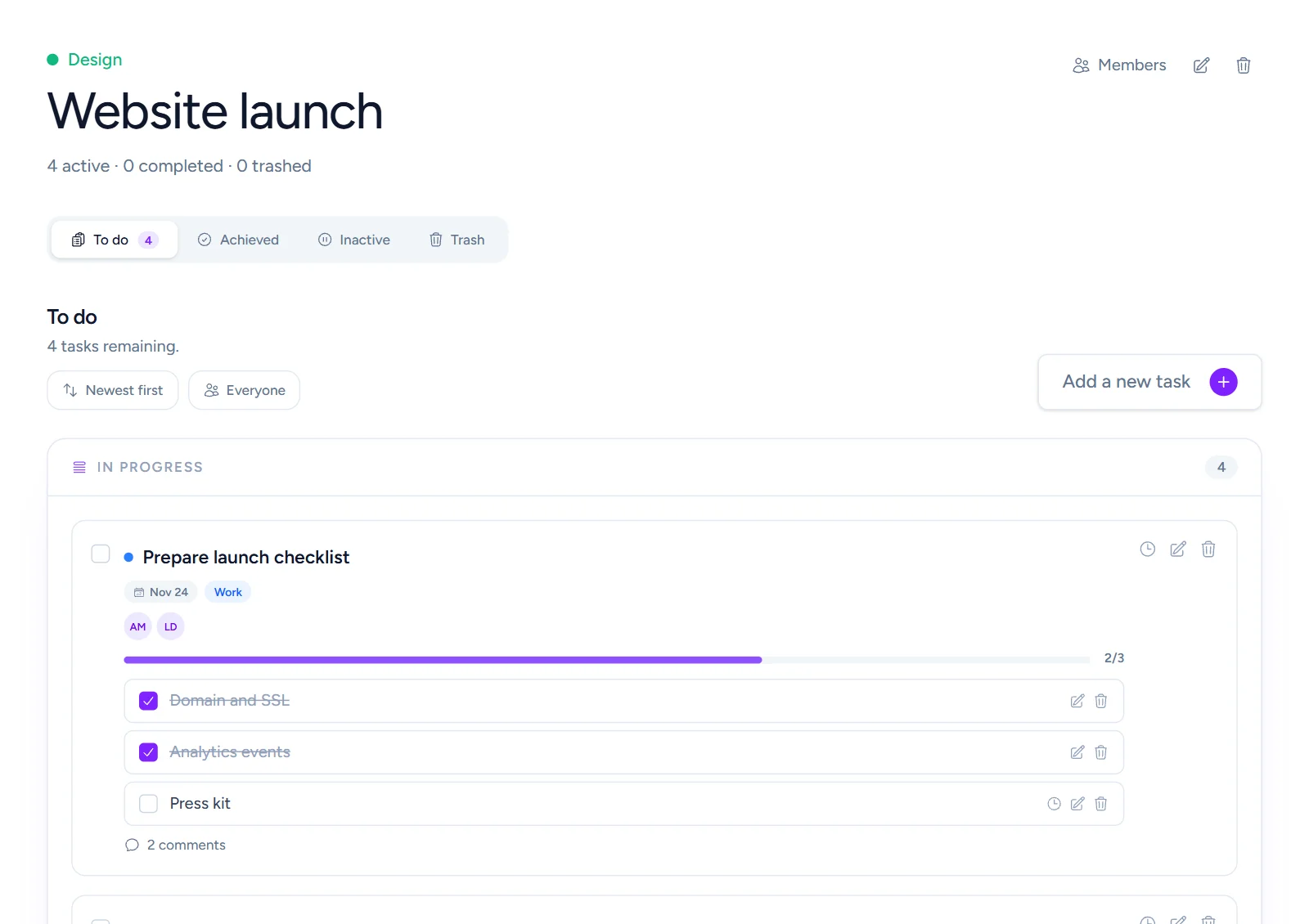
Organize your work in lists with subtasks, due dates, tags and recurring tasks. Start a focus session on any task and the time adds up on the card, so you always know what a task really took.
Try it.
Check a subtask, start the timer.
This is how a task card behaves in Flowline. Tick subtasks to move the progress bar, and press play to watch focus time add up on the task.
Interactive demo
Review homepage draft
- Outline sections25m
- Write hero copy50m
- Collect screenshots
- Share with the team
Press play on a subtask to start a focus session.
What tasks can do.
All of it, in one place.
Subtasks with progress
Break a task into steps. A progress bar shows how far along it is, and each subtask can have its own due date and tags.
Recurring tasks
Repeat a task every day or on chosen days of the week. It resets on each scheduled day and stays out of the way on the others.
Focus time on every card
Time a task or a single subtask. A subtask shows its own time and the task adds up all of it.
Tags and categories
Use the built-in tags or create your own, and give each list a category and a color you see everywhere.
Today and due dates
The Today view gathers what is due today and the recurring tasks scheduled today, across all your lists.
List analytics
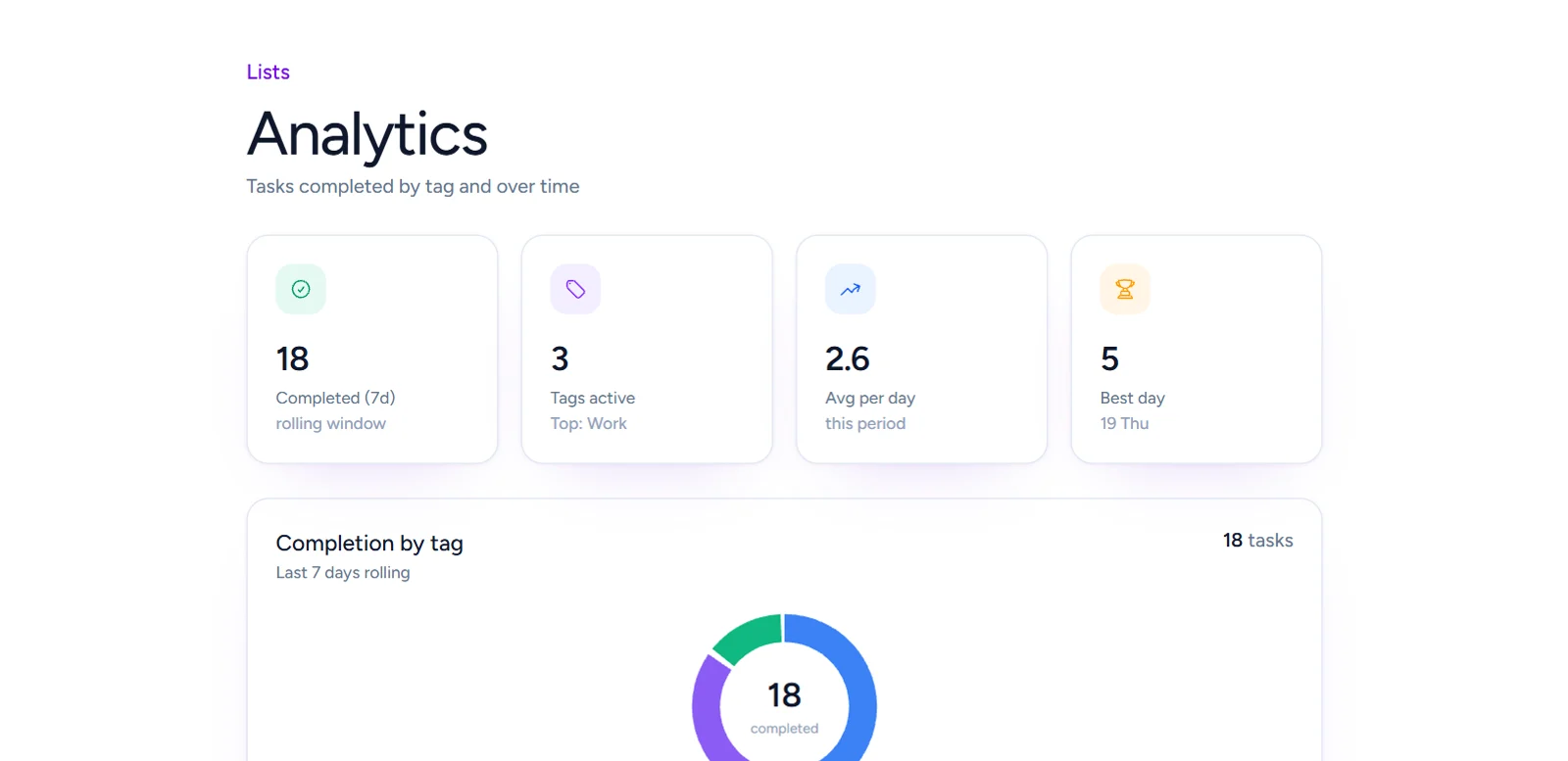
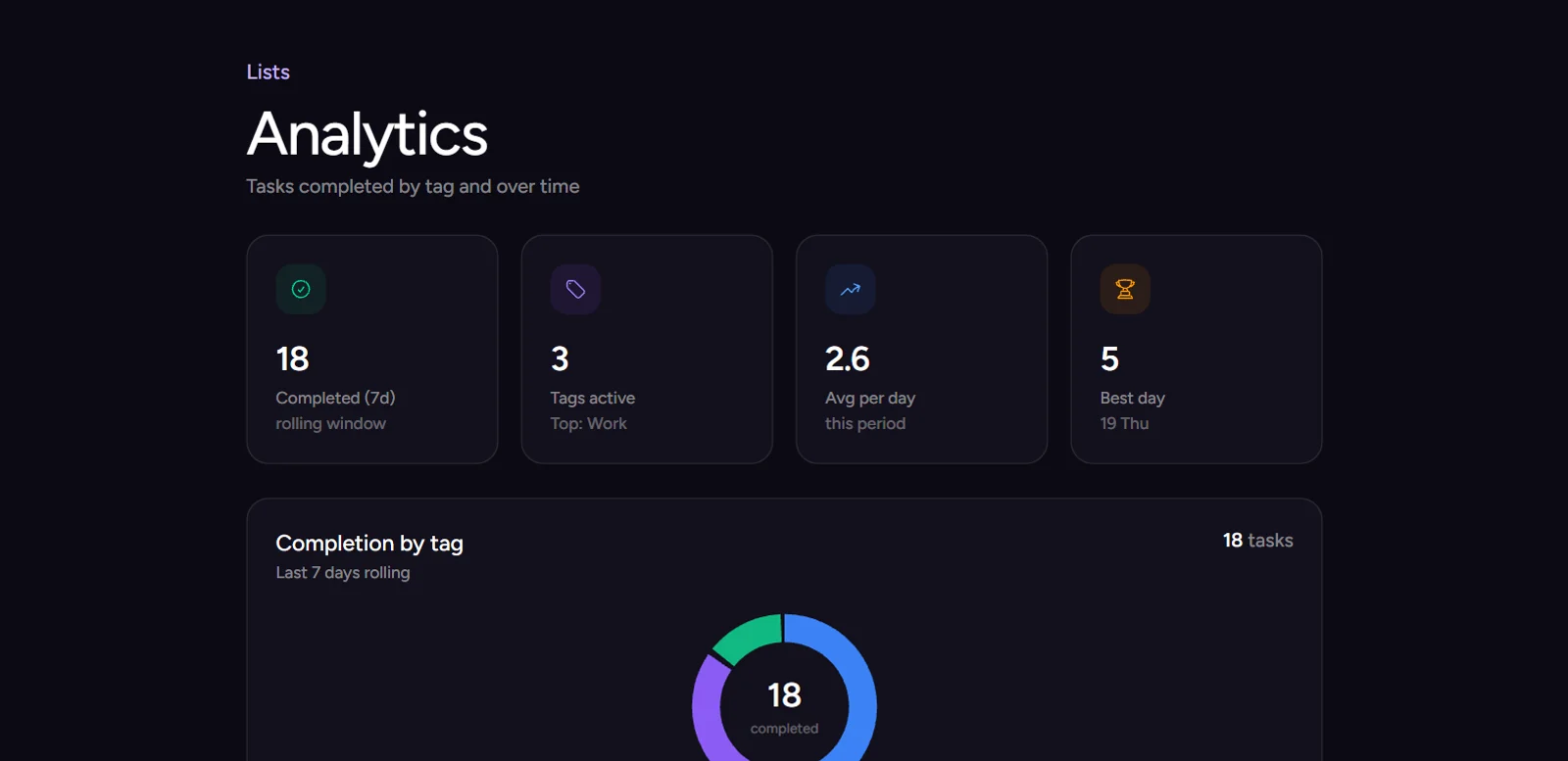
See the tasks you completed by tag over time, your best day and your average per day.
Know what you finished, and what it cost.
Completed tasks feed your list analytics. See how many tasks you closed, which tags took the most, and how your week compares.
- Completions by tag
- Best day and daily average
- Day, week or month view
Share a list when the work is shared.
Add people to a list and it becomes shared. Assign tasks, comment, @mention someone and see every change live.
- Assign tasks and subtasks
- Comments and @mentions
- Live updates for everyone
Works even better together.
Explore the rest of Flowline.
Bring your work and your routines into one flow.
Workspaces, teams, tasks, habits and focus, all connected. Free to start.