Workspaces & teams
A workspace
for every project.
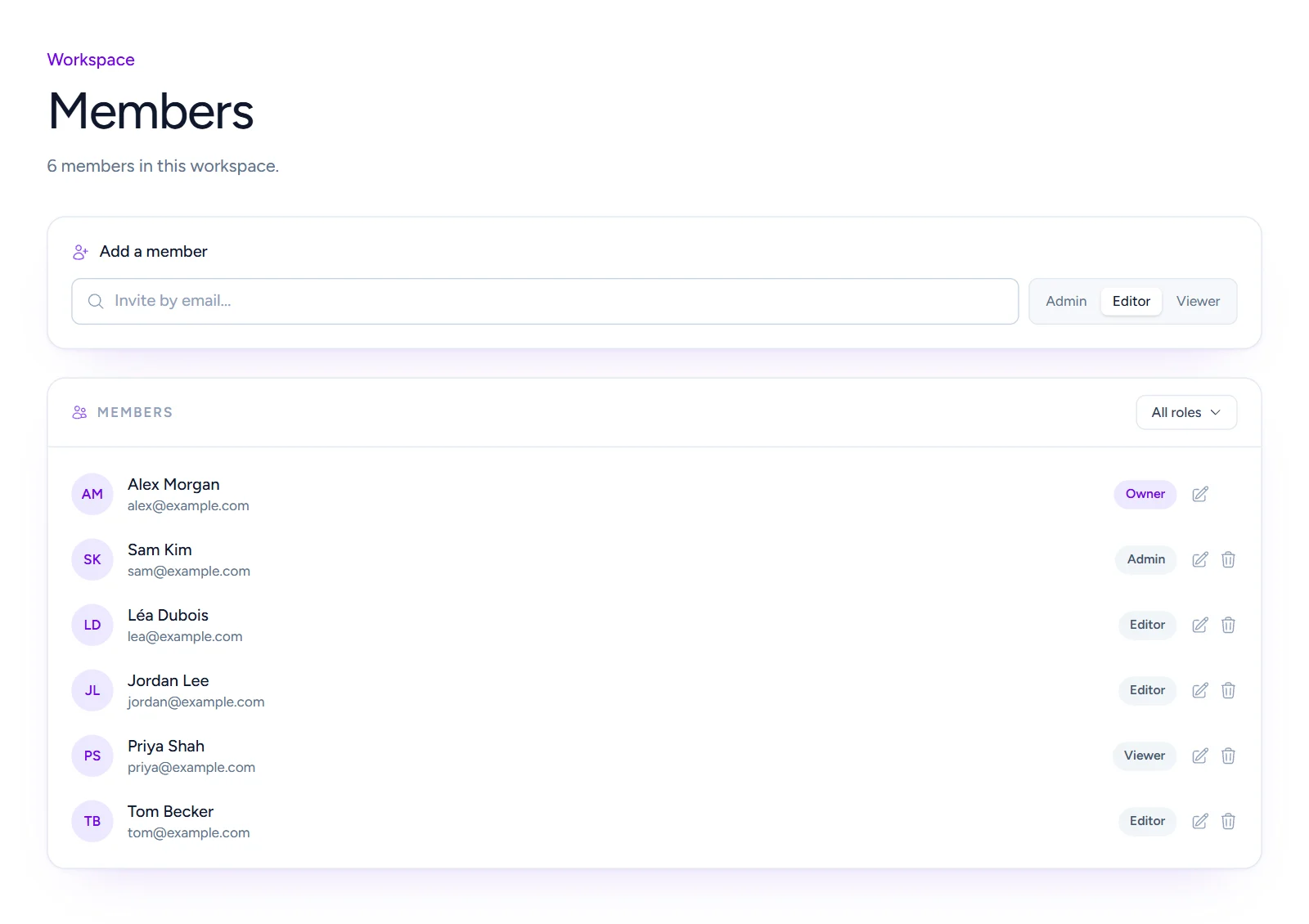
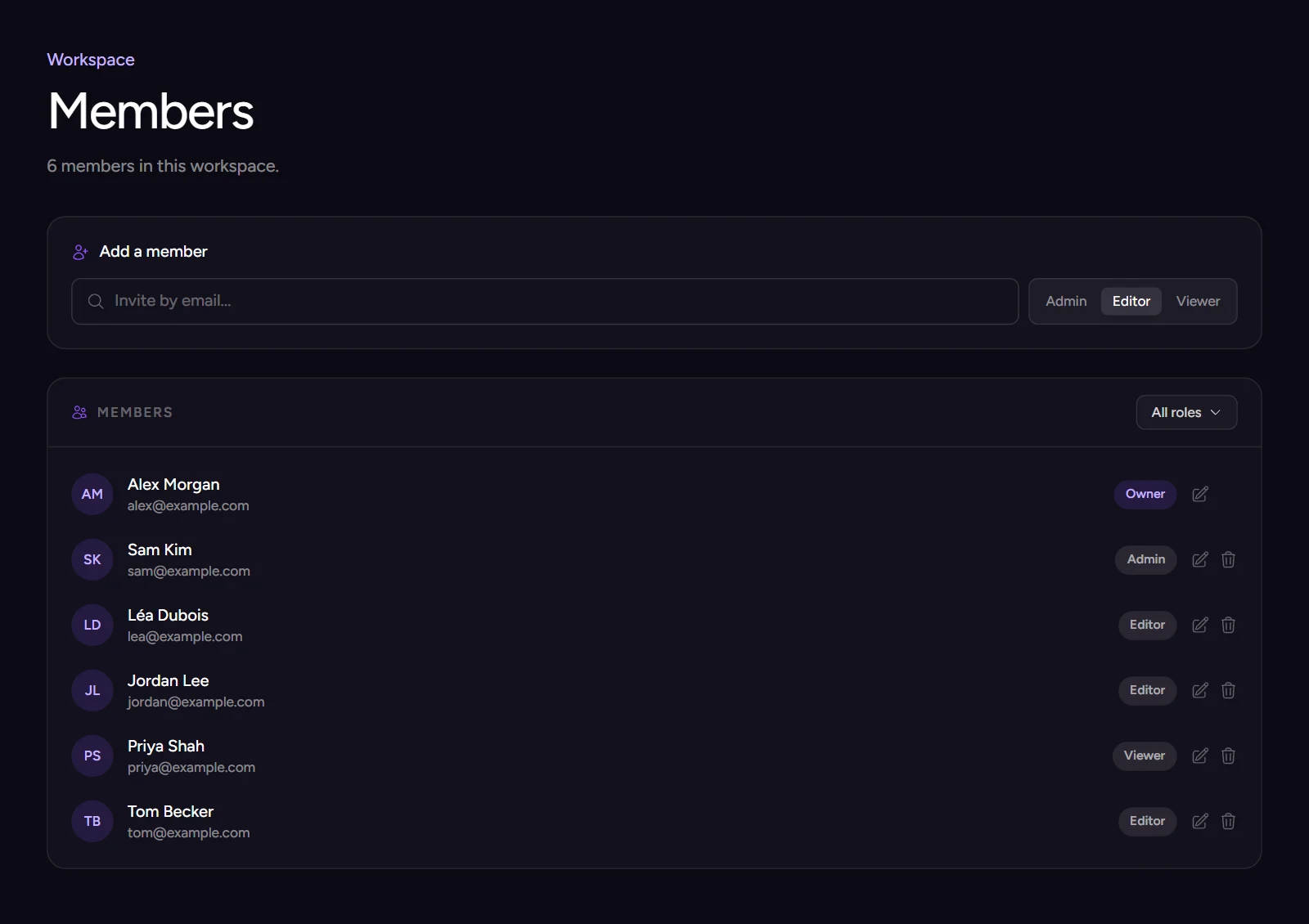
Open a separate workspace for a company, a client or a project, with its own lists, members, roles and calendar. Your Personal space stays yours, and you switch between them in one click.
Try it.
Switch roles, see the rights.
Each role sees a different Flowline. Pick a role to see what it is allowed to do in a workspace.
Interactive demo
Spaces
Lists
Your role in Studio Nova
- See lists, tasks and the calendar
- Create and edit lists and tasks
- Add calendar events and categories
- Invite members and change roles
- Create and manage teams
- Permanently delete tasks
- Delete the workspace
What workspaces & teams can do.
All of it, in one place.
Separate spaces
Each workspace has its own lists, members and calendar. Personal is always there, only yours.
Roles that fit
Owner, Admin, Editor or Viewer, or a custom role with exactly the rights you choose.
Teams
Group members into teams with their own roles, lists and calendar categories.
Shared lists
Assign tasks and subtasks to members, and see who does what.
Comments and mentions
Discuss a task where it lives and @mention the right person.
Live for everyone
Changes appear for every member right away, with notifications for invitations and mentions.
Teams with their own space.
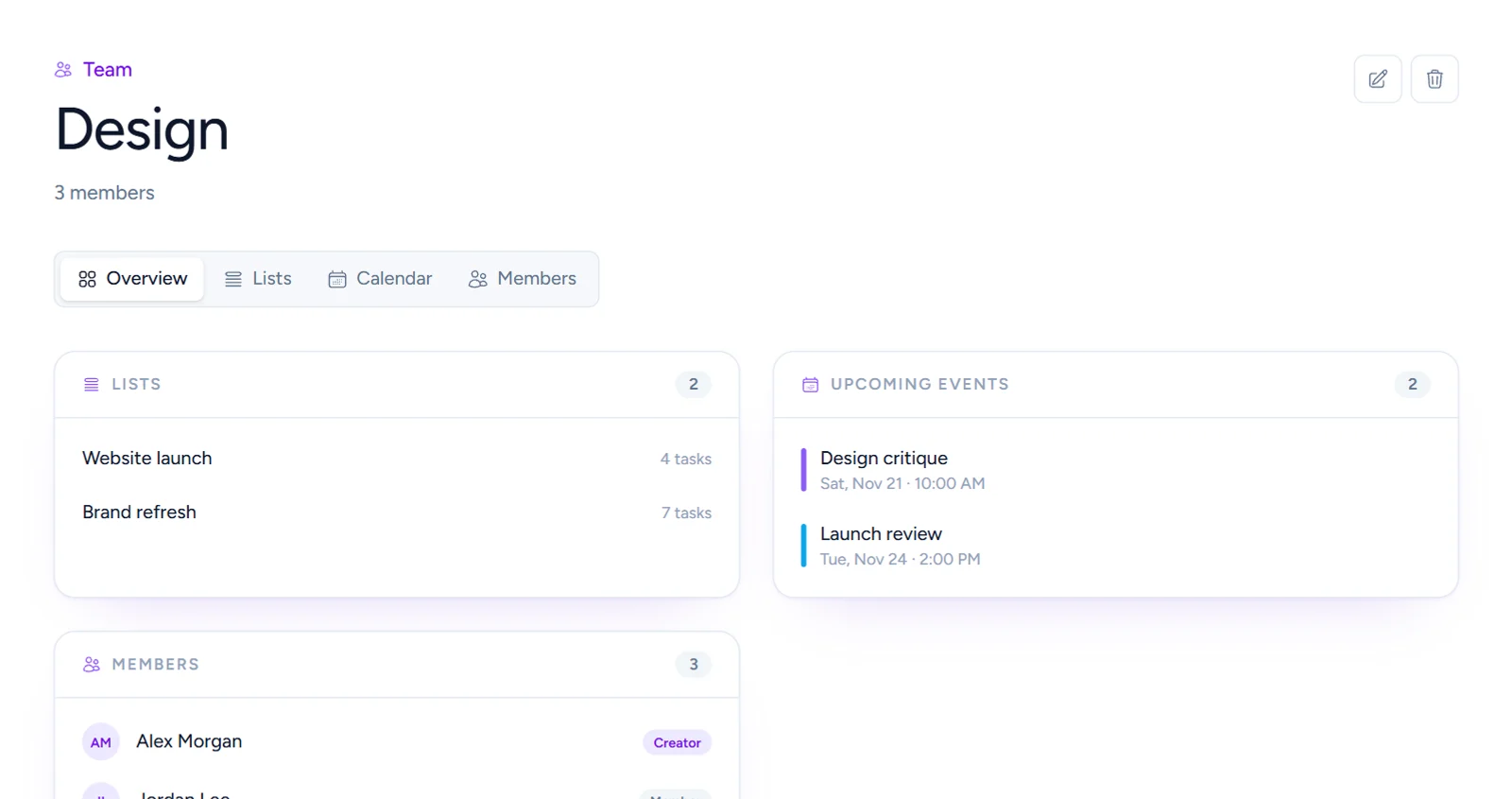
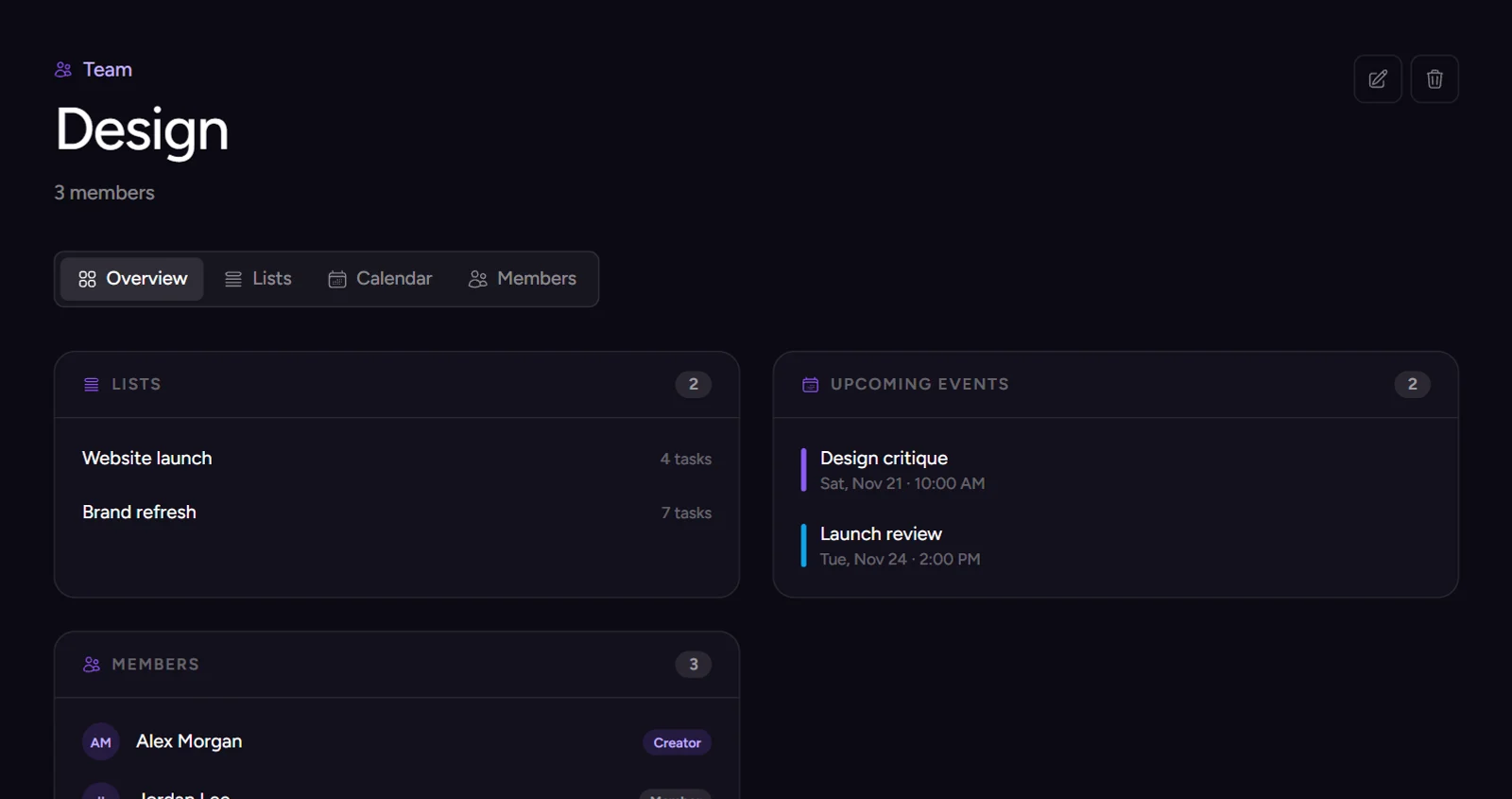
Each team has an overview with its lists, its next events and its members, and its own roles for what each member can do.
- Team lists and calendar
- Team roles
- Everyone sees only what they need
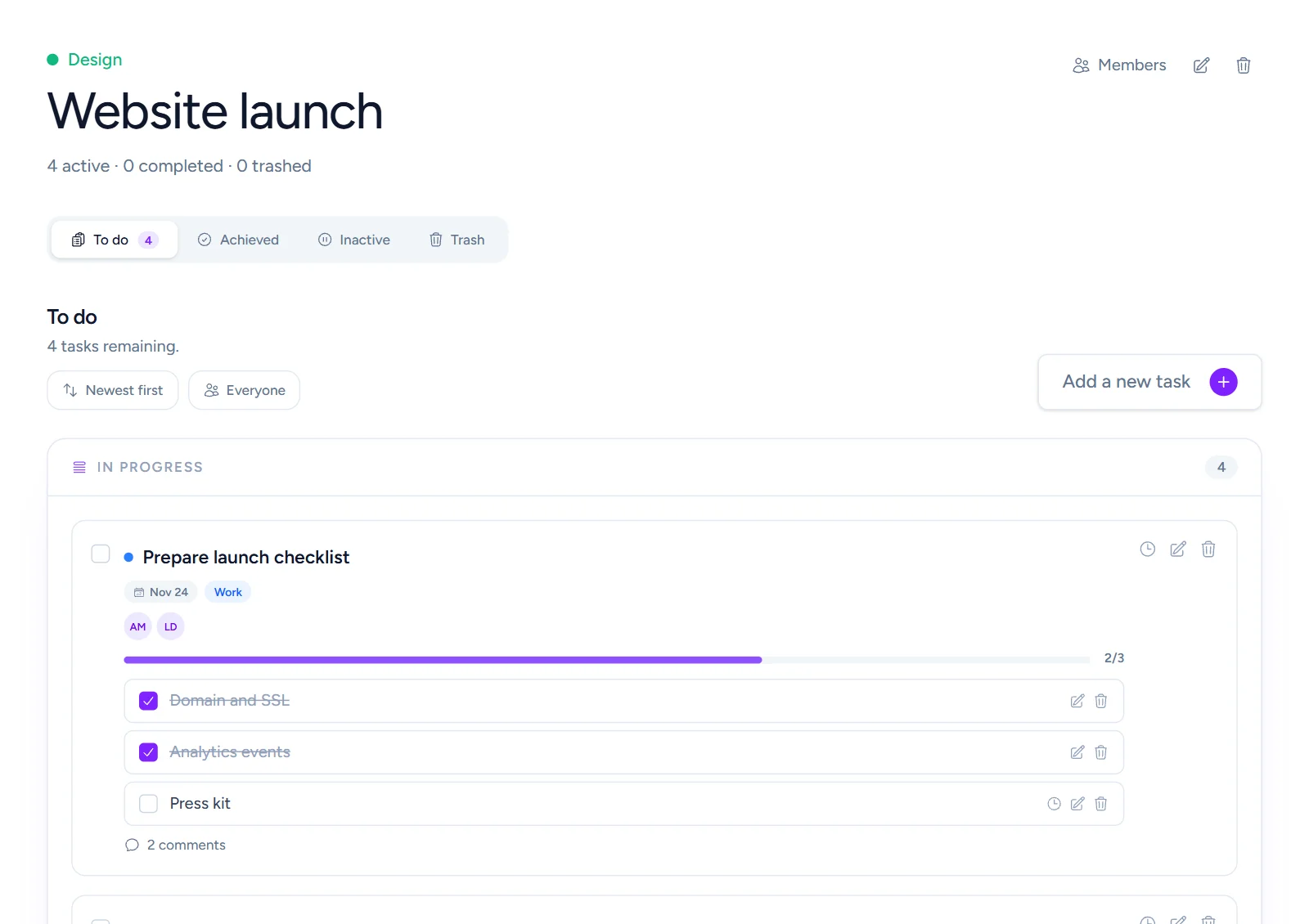
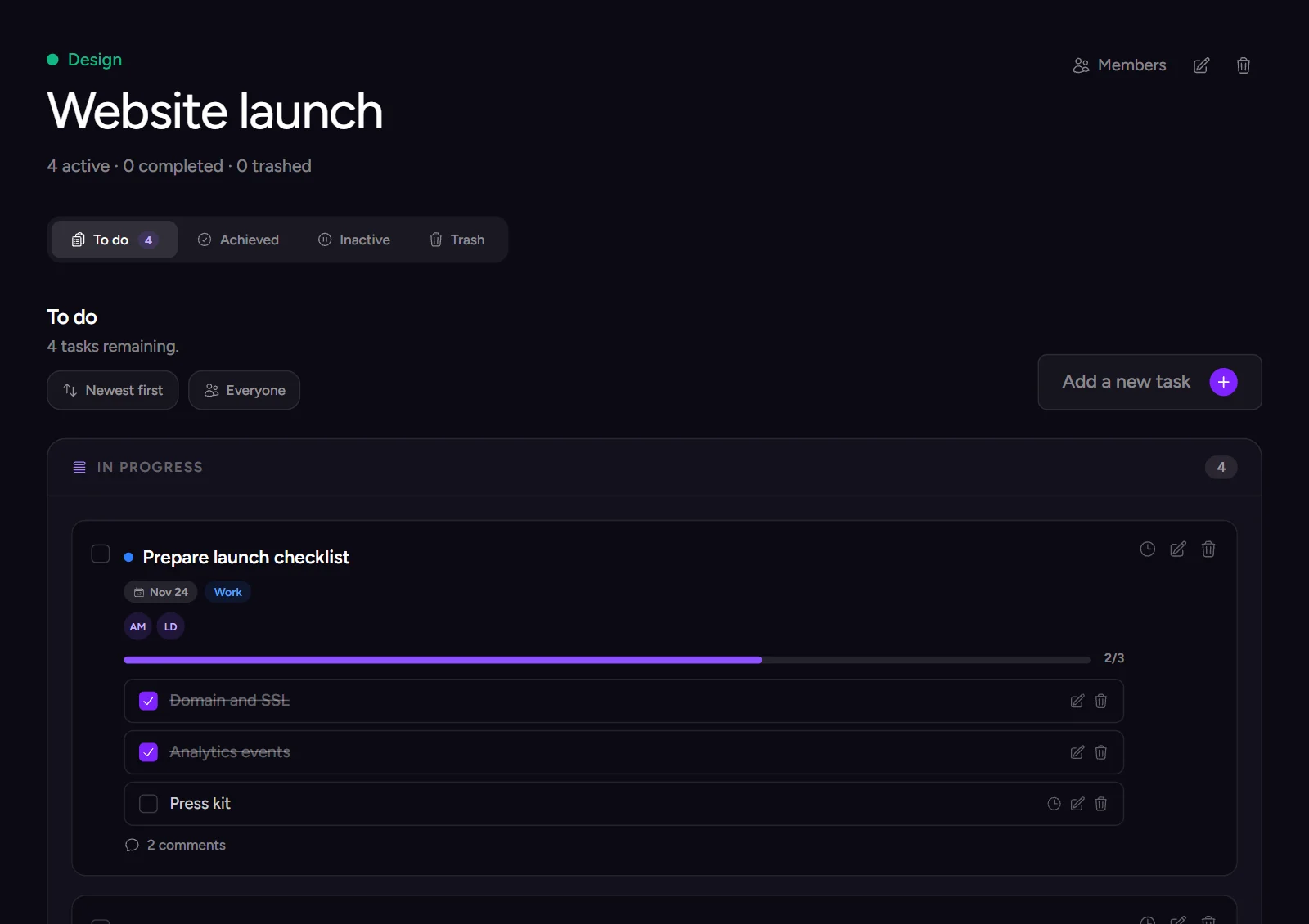
Work on the same list, live.
Assign tasks, track subtasks together and keep the conversation on the task itself.
- Assignees on every task
- Shared subtask progress
- Comments under each task
Works even better together.
Explore the rest of Flowline.
Bring your work and your routines into one flow.
Workspaces, teams, tasks, habits and focus, all connected. Free to start.