Meeting scheduler
Find a time
that works for everyone.
Pick people or whole teams, see everyone's availability side by side and get the best slot suggested. Send the invitations, follow the replies, and everyone is notified when something changes.
Try it.
Pick who comes, get the best slot.
Add or remove people below. The grid and the suggested slot update as you go, the same way the scheduler works in the app.
Interactive demo
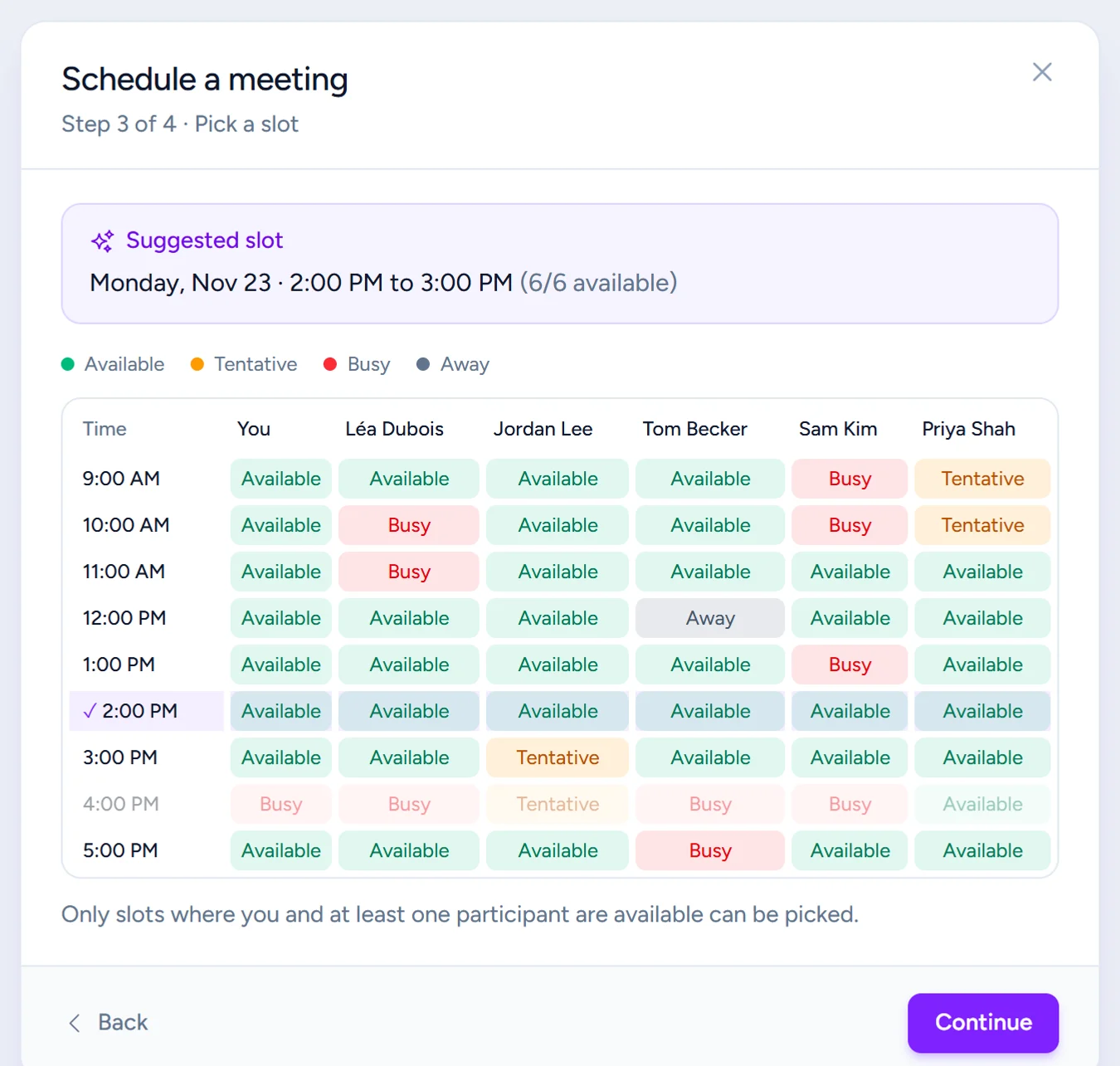
Suggested slot
Monday, 2:00 PM to 3:00 PM (3/3 available)
| Time | You | Léa | Jordan | Sam |
|---|---|---|---|---|
| 9:00 AM | Free | Free | Busy | Busy |
| 10:00 AM | Free | Busy | Free | Busy |
| 11:00 AM | Free | Busy | Free | Free |
| 12:00 PM | Busy | Free | Free | Free |
| 1:00 PM | Free | Free | Free | Busy |
| 2:00 PM | Free | Free | Free | Free |
| 3:00 PM | Free | Free | Maybe | Free |
| 4:00 PM | Busy | Busy | Maybe | Busy |
| 5:00 PM | Free | Free | Free | Free |
What meeting scheduler can do.
All of it, in one place.
Day, duration, window
Choose the day, how long the meeting lasts and the hours to search in.
People or whole teams
Invite individual members, or a team to invite everyone in it and add the meeting to its calendar.
Availability side by side
Available, tentative, busy or away, for every participant, hour by hour.
Best slot suggested
Flowline suggests the slot where the most people are free.
Invitations and replies
Participants accept or decline. Accepted meetings land in their agenda.
Your status, your call
Mark your own events as available, tentative, busy or away to guide the scheduler.
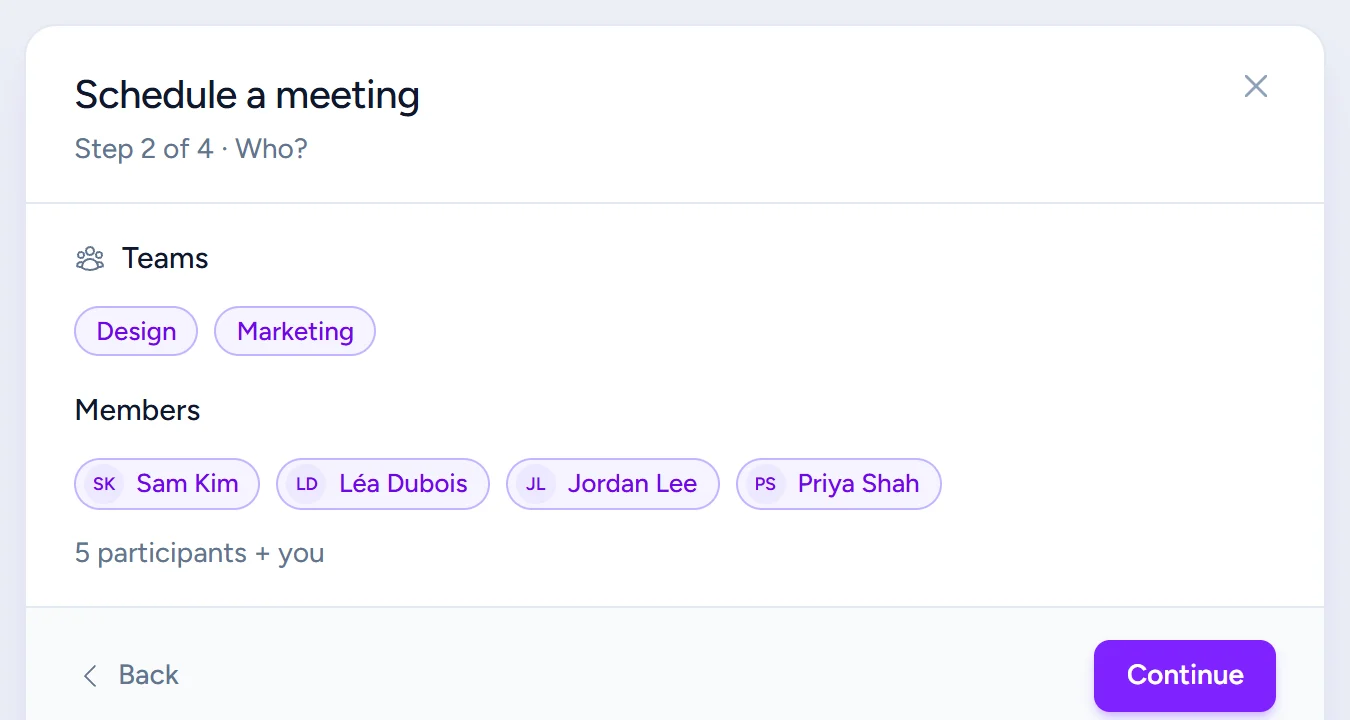
Pick who you need.
Select teams to invite all their members at once, add individual people, and see how many participants you have.
- Teams and members
- Meeting added to each team calendar
- You are always included
Every meeting where it belongs.
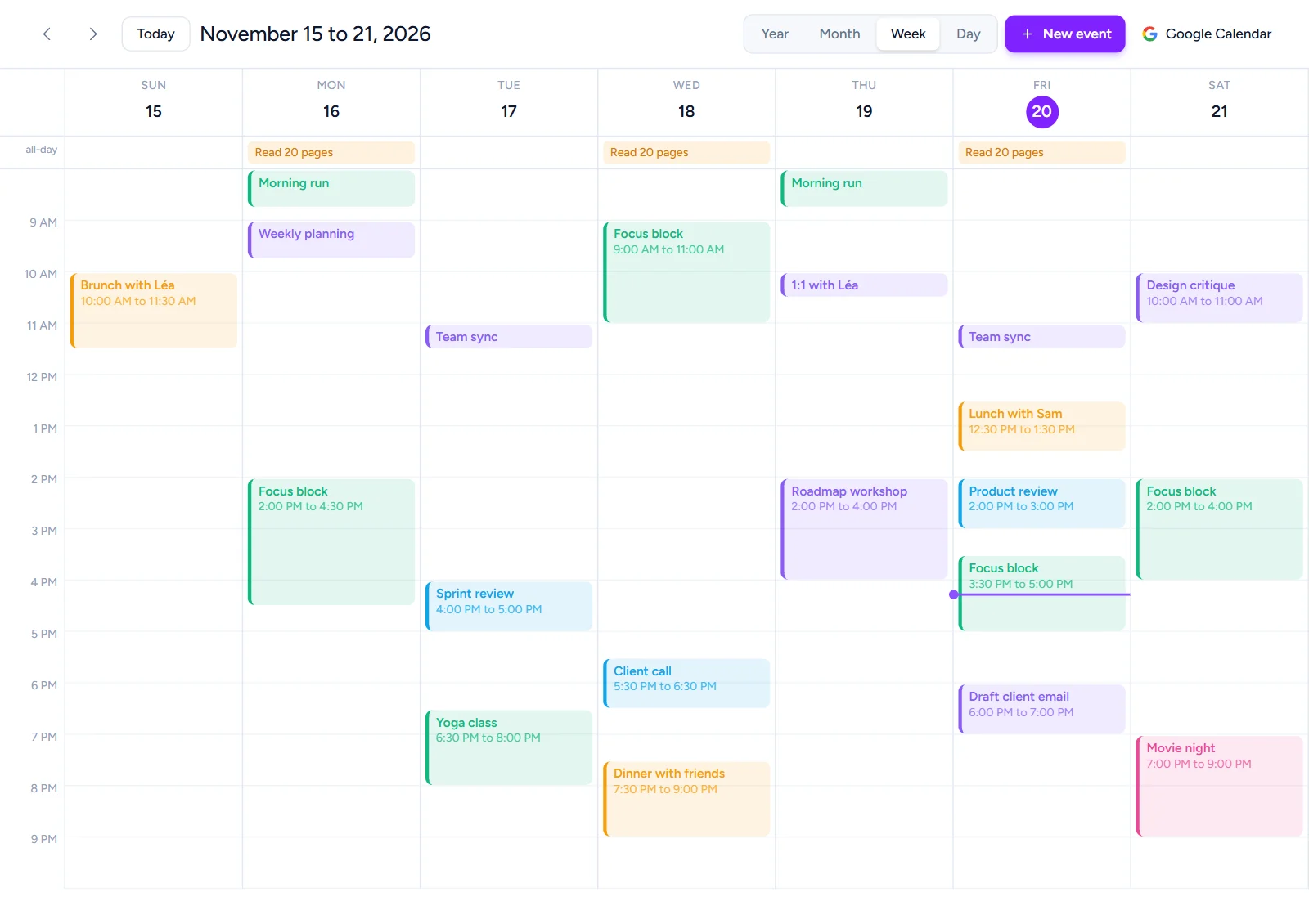
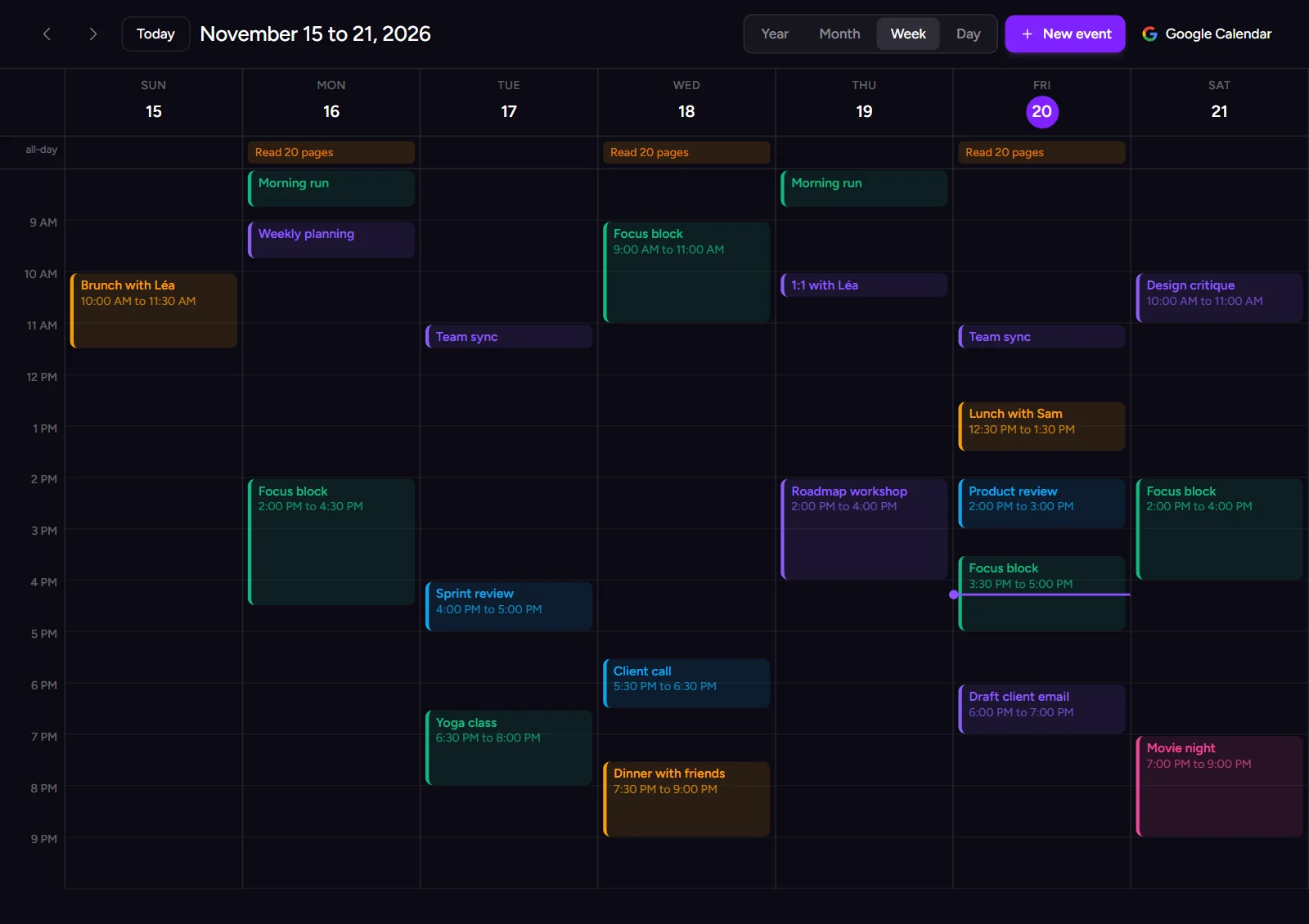
Once accepted, a meeting appears in the workspace calendar, in the team calendar and in your global calendar.
- My agenda in each workspace
- Team calendars
- Change notifications
Works even better together.
Explore the rest of Flowline.
Bring your work and your routines into one flow.
Workspaces, teams, tasks, habits and focus, all connected. Free to start.